AI ile Fotoğraf Düzenleme: Photoshop AI ve Alternatifler
Photoshop Generative Fill, Firefly, Topaz Photo AI ile fotoğraf retouch ve manipulation.
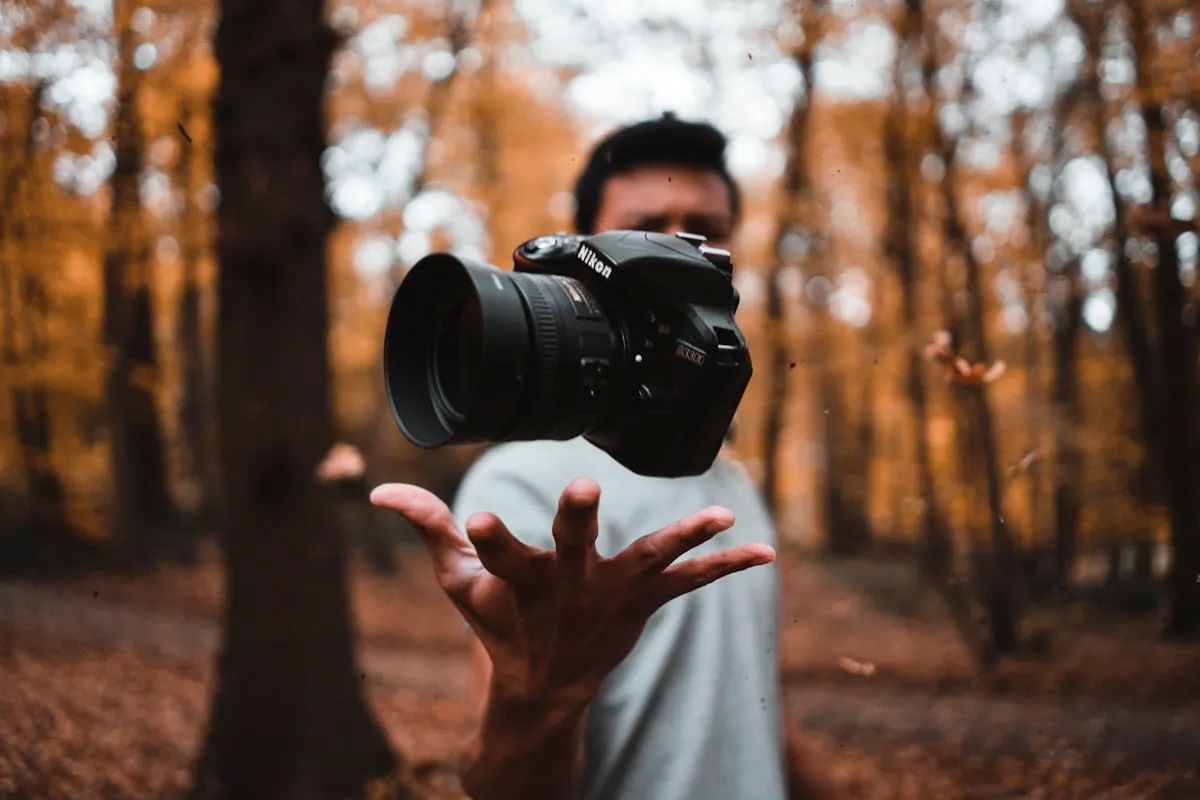
Foto edit + AI = saat 5 dakikaya. Photoshop Generative Fill 2023’te devrim. 2026’da workflow tamamen değişti.
Tool Stack
| Tool | Use Case | Fiyat |
|---|---|---|
| Photoshop | All-in-one | $20/ay |
| Lightroom | Photo edit + AI | $20/ay |
| Firefly | Generative AI | Adobe dahil |
| Topaz Photo AI | Upscale + denoise | $200 lifetime |
| Topaz Gigapixel | 600% upscale | $99 |
| Luminar Neo | One-click AI | $99 lifetime |
| Canva Pro | Quick + AI | $13/ay |
| Photopea | Free Photoshop web | Free |
Photoshop Generative Fill
Workflow:

1. Selection (lasso veya magic wand)
2. Generative Fill button
3. Prompt yaz (boş bırakırsan: surrounding-based fill)
4. 3 variation gelir
5. Beğeneni seç
6. Edit further (mask, blend)
Use Case’ler
Remove:
- Önemsiz kişi background'da
- Kablo / direk
- Çöp / spam
- Tarih / watermark

Select → Generative Fill (no prompt) → doneAdd:
"Add a flock of birds in the sky"
"Add a vintage camera on the table"
"Add subtle fog in the forest"Change:
Select sky → "dramatic sunset sky"
Select clothing → "navy blue suit"
Select background → "tropical beach"
Generative Expand
Foto’yu büyüt + AI doldur:
1. Canvas size artır (sol/sağ/üst/alt)
2. Yeni alan seç
3. Generative Fill
4. AI uzantı üretir

Use case:
- Landscape → panoramik
- Portrait → wide
- Square → vertical (Instagram)
- Frame mismatch fix
Sky Replacement
Photoshop:
- Edit menu → Sky Replacement
- AI otomatik mask
- 20+ preset sky
- Custom yükleme
- Edge refine slider

Workflow:
1. Original photo yükle
2. Sky Replacement
3. Lighting auto-match
4. Foreground brightness adjust
5. Done

Profi olmadan ✨ pro sonuç.
Object Removal
"Spot Healing Brush vs Generative Fill:

Small obj (insan, kablo):
- Spot Healing: hızlı (1 click)
- Generative Fill: complex background için

Large obj:
- Generative Fill üst
- Manuel clone stamp ek
- Multiple pass

Tools:
- Photoshop Remove Tool (2024+)
- Inpaint Anything (Stable Diffusion)
- Cleanup.pictures (web free)
"
Portrait Retouch
Workflow:

1. Lightroom Adaptive Presets
   - Subject auto select
   - Background blur
   - Skin smooth (subtle)
   - Eye enhance

2. Photoshop detail:
   - Frequency separation (manuel)
   - Liquify (subtle)
   - Color match
   - Skin tone harmonize

3. AI specialty:
   - Topaz Sharpen AI (face)
   - Topaz Denoise (low light)
   - Imagen AI Studio (pro retouch)

⚠️ Over-retouch = uncanny valley. Subtle önce.
"
Background Replace
"Photoshop Remove Background:

1. Select → Subject (AI)
2. Refine Edge (hair detail)
3. New background layer
4. Color match (Match Color)
5. Shadow ekle (realistic)
6. Lighting consistent
7. Subtle edge blur

Faster alt:
- remove.bg (free web)
- Canva (one click)
- Photoshop Remove Background button

Profesyonel:
- Manual + AI hibrit
- Edge perfection
- Color cast remove
"
Upscale
Topaz Gigapixel AI:

- 200%, 400%, 600% upscale
- 4 model (Standard, High Fidelity, Low Resolution, Compressed)
- AI detail rebuild
- Face refinement (CodeFormer integrated)

Use case:
- Eski foto restore
- Print büyük format
- Web → print
- Stock photo upgrade

Alt:
- Photoshop Super Resolution
- Krea AI upscale
- Magnific (en iyi 2026)
"
Color Grading
Lightroom + AI:

Process:
1. Auto Adjust (AI)
2. Profile (color theory başlangıç)
3. HSL (selective color)
4. Color Grading (highlights / midtones / shadows)
5. Adaptive Presets:
   - "Subject" (sadece kişi)
   - "Sky" (sadece gökyüzü)
   - "Background" (sadece arka)
6. Local adjustments

Cinematic look:
- Orange + Teal balance
- Crushed blacks
- Lifted shadows
- Film grain subtle
RAW Edit
"Lightroom AI Denoise (2023+):

Workflow:
- Import RAW
- Develop module → Detail → Denoise (AI)
- AI processes (CPU intensive)
- Original DNG temiz

Magic for:
- ISO 6400+ photos
- Wedding (low light)
- Astrophotography
- Old digital camera

Önce: hours of noise reduction
Sonra: 1-click
"
Product Photography
"E-ticaret ürün foto:

Input: telefon ile çekilmiş ürün
Output: pro studio looking

Workflow:
1. Background remove
2. Pure white background (e-ticaret standart)
3. Shadow recreate (subtle)
4. Color correct (true product color)
5. Lighting harmonize
6. Sharpen detail
7. Export multiple format (Trendyol 1200×1200, Amazon 2000×2000)

Tools:
- Photoshop manual
- Photoroom AI (mobile)
- ClipDrop
- Spyne (specialized)
"
Detay: E-ticaret AI
Real Estate Foto
"Emlak foto profi:

Pain:
- HDR pencere blow out
- Çarpık duvarlar
- Eşya dağınık
- Lighting unequal

AI fix:
- Sky replace (gündüz → gold hour)
- Generative Fill (eşya remove)
- Lens correction (perspective)
- Virtual staging (boş oda → dekore)

Tools:
- BoxBrownie (specialized)
- Photoshop manual
- Restb.ai
"
Old Photo Restore
"Eski foto restore (sepia, çatlak):

Steps:
1. Scan high-res
2. Colorize (Photoshop Neural Filters > Colorize)
3. Damage remove (Generative Fill)
4. Restore details (Topaz)
5. Color balance
6. Final touch

Hediye fikir: anneye / dedeye eski foto restored.

Pro service: $50-200 / foto
DIY + AI: $0 + time
"
Batch Processing
"50 foto batch edit:

Photoshop Actions:
1. Action record (1 foto)
2. File > Automate > Batch
3. Apply tüm folder
4. Output naming

Lightroom:
- Sync settings (presets)
- AI auto-adjust per photo

Real estate / event photographer için:
- 500 foto = 5 saat → 30 dk
"
AI Generated Photo
Use case'ler:
- Stock photo (Adobe Stock, Shutterstock'tan ucuz)
- Concept art
- Mood board
- Marketing visual (people, products)
- Avatar / profil

Tools:
- Adobe Firefly (ticari safe)
- Midjourney
- Flux
- DALL-E 3

⚠️ Real estate, news, journalism: AI gen yasal/etik problem.
Disclosure her zaman.
"
Detay: Midjourney, Flux AI
Mobile Editing
Mobil tek araç:

Lightroom Mobile (free + paid):
- RAW edit
- Adaptive Presets (AI)
- Cloud sync
- Same as desktop %80

Photoshop Express:
- Quick edit
- Background remove
- Filter

Snapseed (Google):
- Free, profi
- Selective edit

VSCO:
- Filter (Instagram-style)
- Subscription

AI specific:
- Remini (face enhance)
- Facetune (portrait)
- Photoroom (background remove)
"
Etik
- Manipulation disclosure: News, ad, dating
- Real estate: yasak (FTC)
- Yarışma: kurallar (manuel only veya AI OK)
- Tarihsel foto: orijinal preserve
- People consent: photo altering of others
- Deepfake: ünlü yüz manipulation yasal risk
Detay: Deepfake Tespiti
Yaygın Hatalar
- Over-edit: Surreal görünüm
- AI generated etiketleme yok: Yasal risk
- Skin smooth aşırı: Plastic look
- Eye enhance fazla: Anime eyes
- Sky replace mismatch: Lighting yanlış
- Background blur AI tan: Algorithmic look
- Original kayıp: Backup unutmak
Sonraki Adımlar
Özet
AI foto edit 2026 = saat → dakika. Photoshop Generative Fill + Lightroom AI + Topaz = profi stack. Anahtar: subtle edit, disclosure where needed, original preserve. Eski foto restore = hediye süper güçlü.
Yapay zeka dünyasından haberdar olun
Haftalık özet bültenimize abone olun, en yeni rehberler ve araç incelemeleri direkt e-postanıza gelsin.
İstediğiniz zaman abonelikten çıkabilirsiniz.
Benzer Rehberler
AI ile Twitter/X Yönetimi: Tweet, Thread, Growth Stratejisi
ChatGPT, Claude ile Twitter/X yönetimi: tweet, thread, growth, etkileşim, monetization.
AI ile Stand-Up Komedi: Joke Yazımı ve Sahne Pratiği
AI ile stand-up: joke writing, set yapısı, timing, sahne pratiği. Comedy + AI sınırı.

AI ile TikTok İçeriği: Algoritma + Trend + Viral
TikTok algoritması, AI ile trend yakalama, script yazma, edit, hashtag stratejisi.